
Viewport units aren’t perfect. On mobile browsers, the “viewport” can shift when the address bar appears or disappears, meaning your perfectly calculated 100vh section might jump unexpectedly. Also, text sized in vw can become unreadably small on tiny screens—or gigantic on ultra-wide monitors.
The workaround? Combine viewport units with other constraints.
For example:
font-size: clamp (1rem, 5vw, 3rem);Dynamic viewport units help solve a common problem on mobile devices. On phones and tablets, the visible area (viewport) can change when toolbars appear or disappear. Regular units like vh (viewport height) don’t adjust for these changes, which can cause issues:
- When you use
100vhfor an element’s height, it might be too tall when toolbars are showing, extending beyond the screen. - This same
100vhelement only fits perfectly when all toolbars are hidden.

To solve this, new viewport units were introduced:
lv*: Large viewport (assuming retracted toolbars)sv*: Small viewport (assuming expanded toolbars)dv*: Dynamic viewport (adapts to toolbar state)
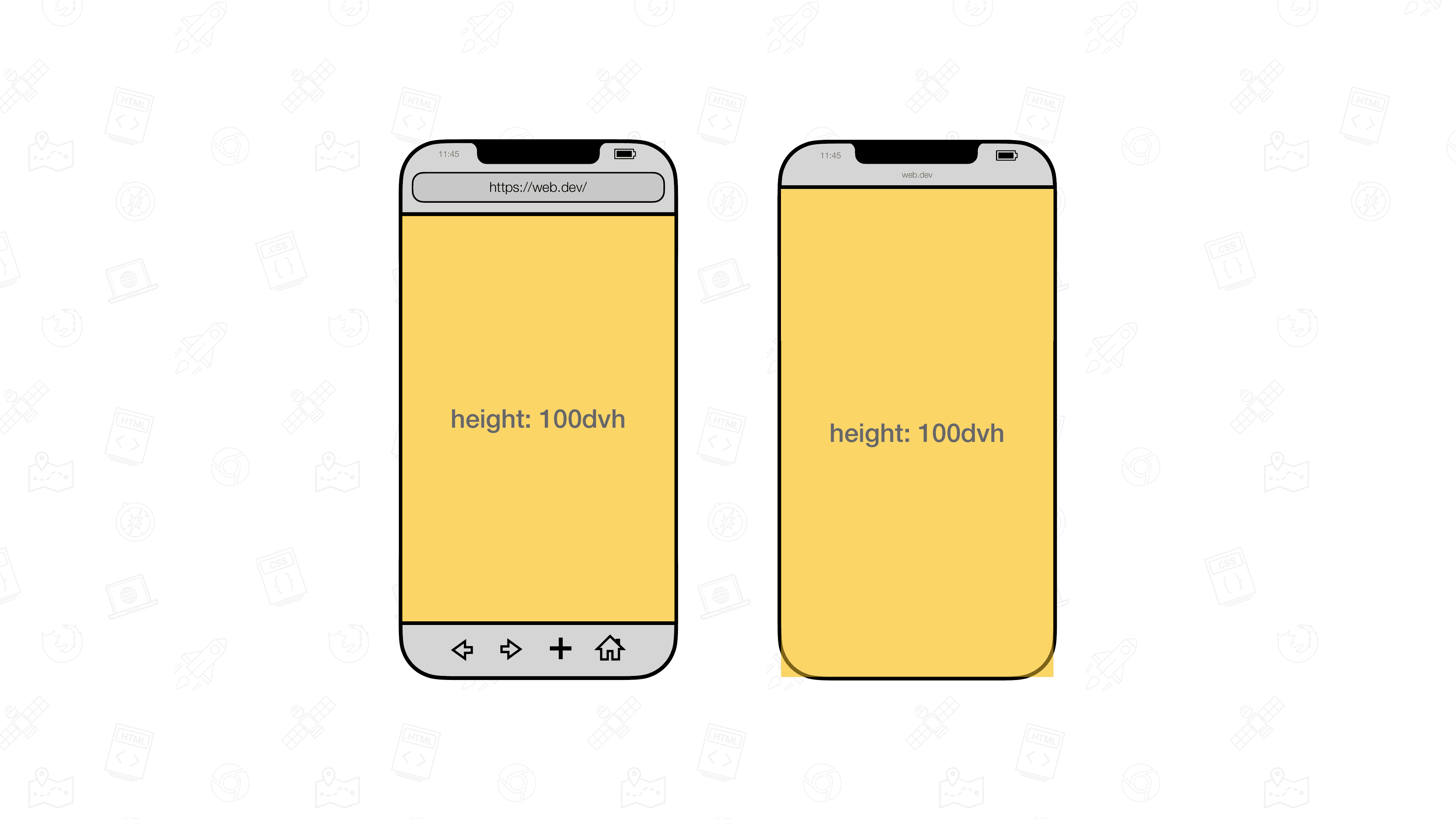
Dynamic viewport units were created to automatically adjust to these toolbar changes, ensuring your layouts look good in all situations.